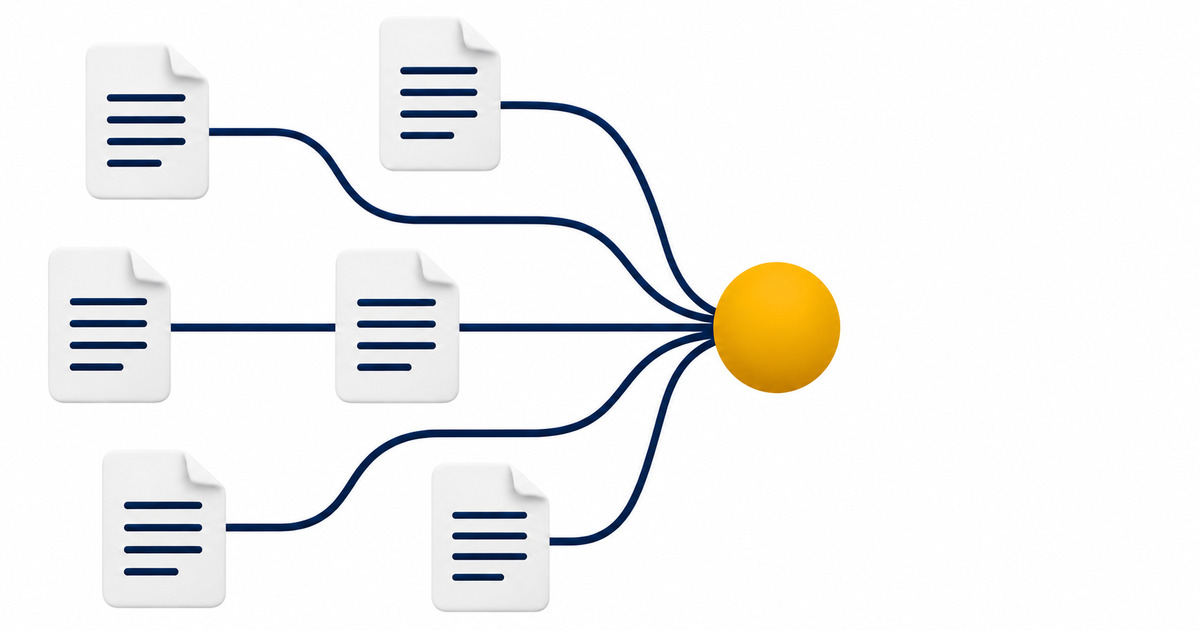
A documentation migration is safer when every old URL has a deliberate destination and every important route is checked after launch. I plan the move as a URL-level change, not as a redesign task. That keeps page intent, redirects, crawl access and internal links visible in one record. Protocol teams often move docs between subdomains, frameworks or hosting systems. The search risk comes from losing the path between an old address and its useful replacement. This guide gives you a practical sequence to map that path, test it and monitor what remains uncertain.
Map URLs before choosing a new structure
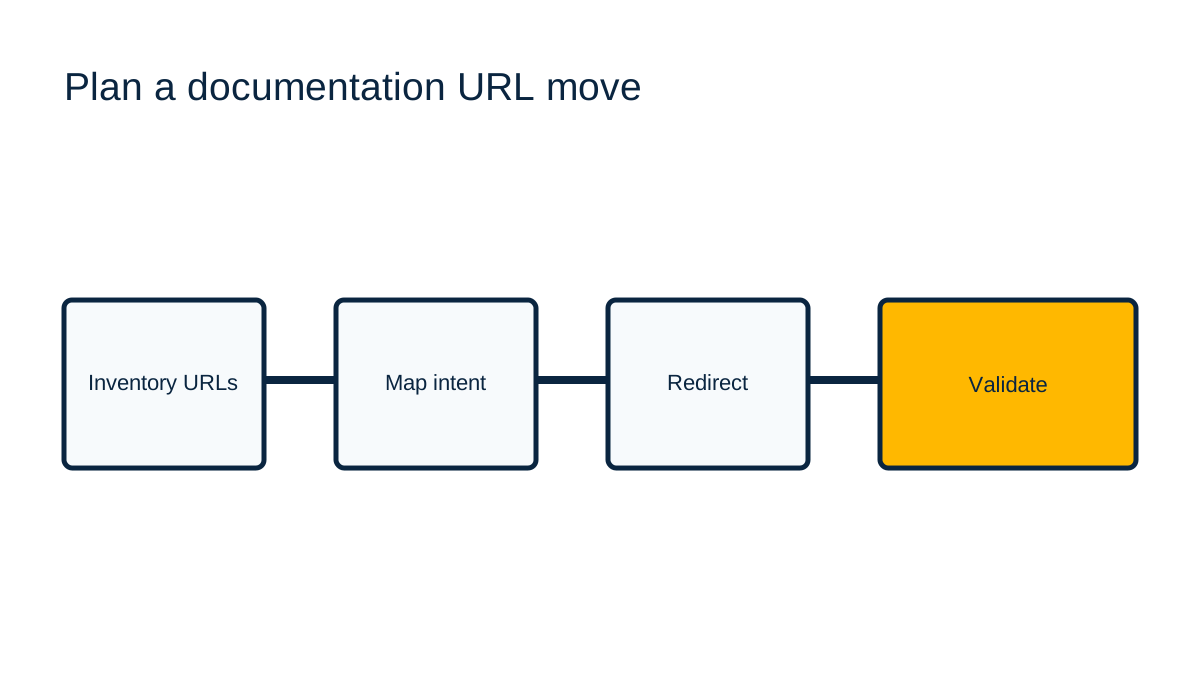
Start with a complete list of URLs that can matter to a reader: guides, API references, release notes, glossary pages, tutorials and pages linked from product surfaces. Export the current sitemap, crawl the documentation host, and compare both lists. A sitemap shows declared URLs. A crawl shows reachable links. Neither proves that every historical URL has been captured, so add Search Console landing pages, analytics landing pages and support links when you have access to them. Record the collection date and source for each list.
For each old URL, record its page purpose, audience task, last known status and proposed destination. Map by intent. A migration from `/developers/v1/bridge` should point to the current bridge guide if that page answers the same task. A generic docs homepage is not an equivalent replacement for a specific API reference. If the content has no successor, label that decision and decide whether the old page should remain, be retired or redirect to a genuinely useful parent. Do not route every removed page to the new homepage. That creates a poor reader path and can obscure which content was actually preserved.
Use a mapping table with one row per old address. Include the exact source path, final target, reason for the mapping, owner and test result. Normalize trailing slashes and case only according to the behavior of the source server. Keep query parameters where they carry a meaningful user state. Treat language and version paths explicitly. A URL map becomes the migration's acceptance list, so ambiguous rows should be resolved before the DNS or hosting switch.
Set permanent redirects and preserve crawler access
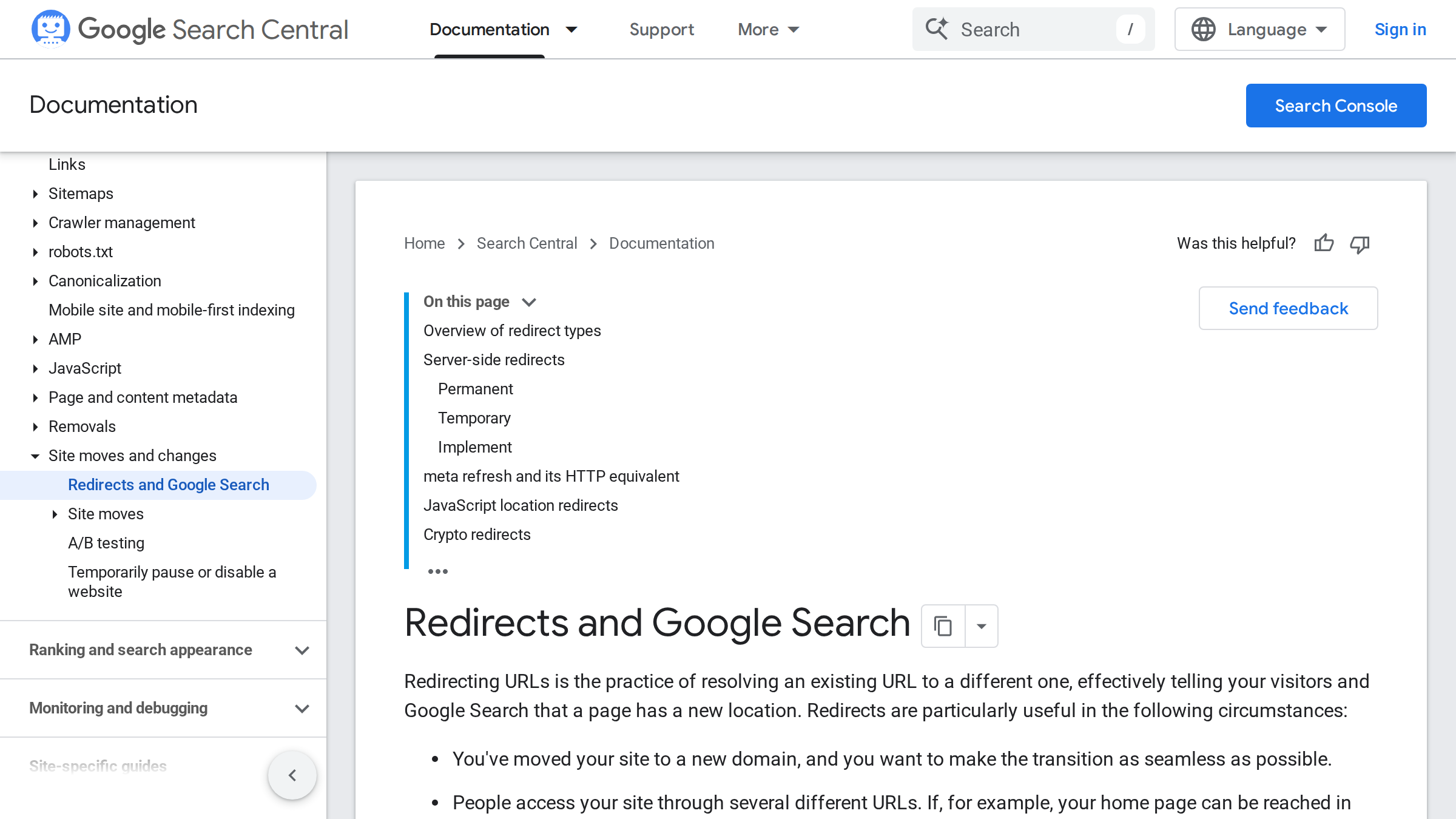
When a page has moved permanently, Google Search Central recommends server-side permanent redirects. Implement one direct redirect from the old URL to its final destination. Avoid chains such as old URL to an intermediate host to a new URL. Chains add failure points and make the final reader experience harder to test. The redirect should preserve the relevant path and, where needed, the query string. Test representative URLs and the full mapping file after deployment, not only the root domain.
A redirect cannot help a crawler if the old host no longer answers. Keep the old domain, TLS certificate and redirect configuration active for the planned migration period. Review redirects in the serving layer that actually receives requests. A rule in a framework does not help if the edge proxy intercepts the request first. Confirm the response code, the `Location` target and the final page response from outside the build environment.
Check `robots.txt` separately. Google describes this file as a way to control crawler access to URLs, not as a reliable way to keep a page out of Google. A broad disallow can prevent Google from fetching the page and seeing a page-level `noindex`. Review rules on both old and new hosts. Confirm that documentation assets needed to render content are accessible too. Robots rules are host-specific, so a correct file on the marketing domain does not establish access on a docs subdomain.
Validate canonicals, links and page responses
A migration checklist should verify more than redirects. On the new destination, confirm that the page returns a successful response, renders its main text without requiring an unavailable client-side route, and declares the intended canonical URL. The canonical should point to the preferred new address, not back to the retired URL or an unrelated homepage. Check alternate language references when the documentation is localized. A language switcher should lead to the corresponding topic where it exists, rather than sending every language to its root.
Update links that your team controls. Replace internal links in product navigation, developer portals, tutorials, API examples, release notes and support macros. Redirects help people who use old bookmarks, but they are not a substitute for current links. Search Central recommends updating internal links to point directly to the new URLs during a move. This also reduces dependence on the redirect layer.
Use a sample that includes high-value pages, deep paths, query strings, pages with trailing slashes, retired content and each language. Then run the mapping list in bulk. Save the result with timestamp, request method, response status, final URL and any mismatch. A URL that returns a soft error page with HTTP 200 needs human inspection. The status alone does not prove that the intended content loaded.
Monitor the move and respond to gaps
After launch, inspect server logs and Search Console for old paths that still receive requests, new pages that fail to be crawled, unexpected 404s and pages that Google has selected differently from your declared canonical. Compare groups of equivalent pages over time. Separate a temporary recrawl delay from a broken destination by checking the actual response and rendered content. Search reporting is not an instant certification of a migration, and no checklist can guarantee ranking continuity.
Keep a short issue register. For each anomaly, capture the old URL, expected target, observed response, first observed time, evidence and owner. Fix the redirect or destination, retest it, and close the record with a fresh result. If the destination is genuinely gone, choose a useful replacement only when one exists. Otherwise, let the URL return an honest not-found response and remove links that imply the content is still available.
For a broader technical review, compare this migration process with the site's [Web3 technical SEO guide](Web3 technical SEO guide) and the [Web3 SEO reference](Web3 SEO reference). The purpose is not to promise a search result. It is to preserve a clear path for readers and crawlers, then make any remaining loss visible enough to diagnose.
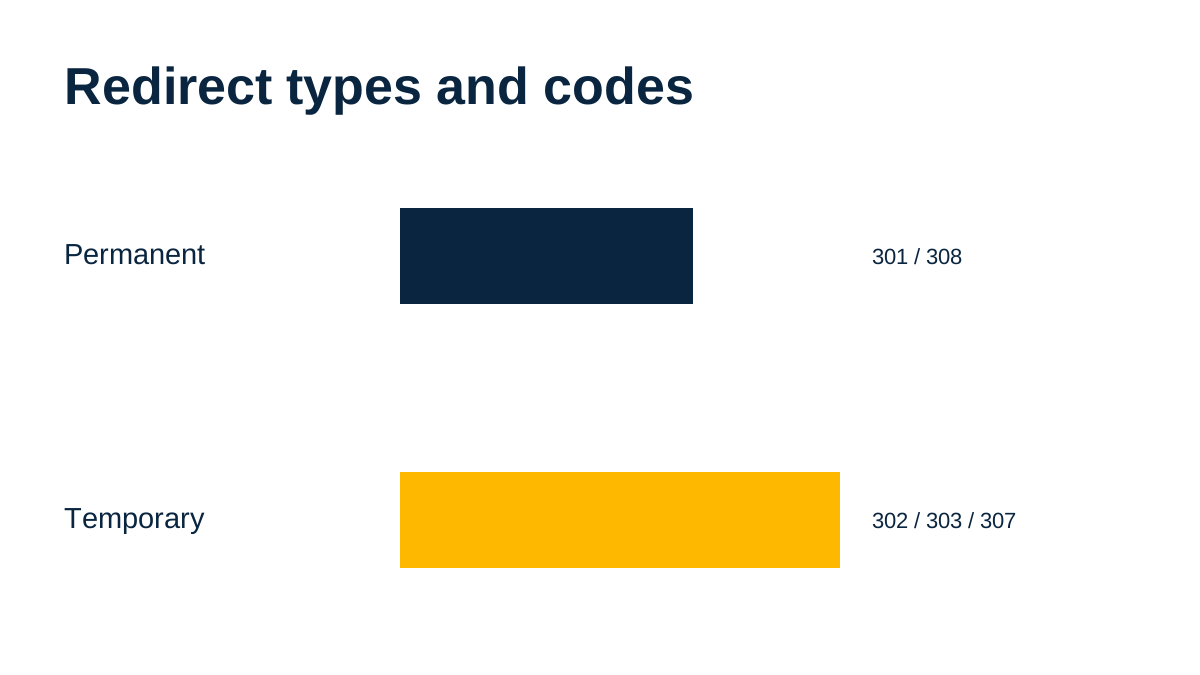
Google distinguishes permanent and temporary redirects by the signal they provide about the canonical destination. Its documentation lists HTTP 301 and 308 as permanent server-side options, and HTTP 302, 303 and 307 as temporary options. This count describes the documented status-code choices only. It does not measure ranking effects or establish which rule fits a particular migration. Choose based on whether the move is truly permanent, then test the deployed response and destination.
Evidence record
| Evidence area | Record | Decision rule |
|---|---|---|
| Source | Official page, address or configuration | Keep the URL and check date |
| Observed behavior | Response, state, function or event | Separate observation from disclosure |
| Uncertainty | Unknown or partial field | Do not fill gaps by inference |
| Owner | Person responsible for resolution | Recheck after any material change |
Frequently Asked Questions
How do redirects affect Google Search?
A redirect tells visitors and crawlers that a URL resolves somewhere else. For a permanent move, Google recommends a server-side permanent redirect. It does not guarantee that rankings or traffic will remain unchanged.
Should every old documentation URL redirect to the new homepage?
No. Map an old page to the closest page that serves the same task. If no equivalent exists, record that decision and use an honest retirement response instead of a misleading catch-all.
Does robots.txt remove a page from Google?
No. Google says robots.txt controls crawler access and is not a mechanism for keeping a page out of Google. Use the documented indexing controls that fit the case, and make sure crawlers can fetch the signals they need.
What should I check after a docs migration?
Test each mapped URL, final response, canonical, internal links and crawler access. Then monitor logs and Search Console for broken paths or unexpected canonical selection.
References
- https://developers.google.com/search/docs/crawling-indexing/301-redirects, accessed 2026-11-09.
- https://developers.google.com/search/docs/crawling-indexing/robots/intro, accessed 2026-11-09.
Make the next decision from evidence.
I review Web3 growth systems across product, distribution and measurement.
Explore the Web3 Growth Audit